
We’d like to introduce a few new layout features along with a new “minimalist” theme. The new theme is really more than that… it’s a new design that has it’s own themes. So now you’ll have the traditional design with it’s themes, and the new modern/flat design with it’s theme’s.
We’re launching with a single theme but we’re releasing several new features to give you significant options in how your site looks and what features it has enabled, even using the traditional themes. Plus we’ve organized the “Wide Store Settings” to be much easier to use.
- Minimalist Theme
- New Wide Settings
- New Full-Width Feature Areas
- Fat Footer Toggle
- Extra Ornamentation
You can also turn off Home Page Specials and/or Homepage Products depending on the layout you would like to use. I’ve provided some examples below of many of the different payouts you can use.
Here is one potential layout for the homepage using the new “minimalist” theme and the “Full Width Feature Area” with the “Fat Footer” disabled. This only disables the fat footer on the homepage.
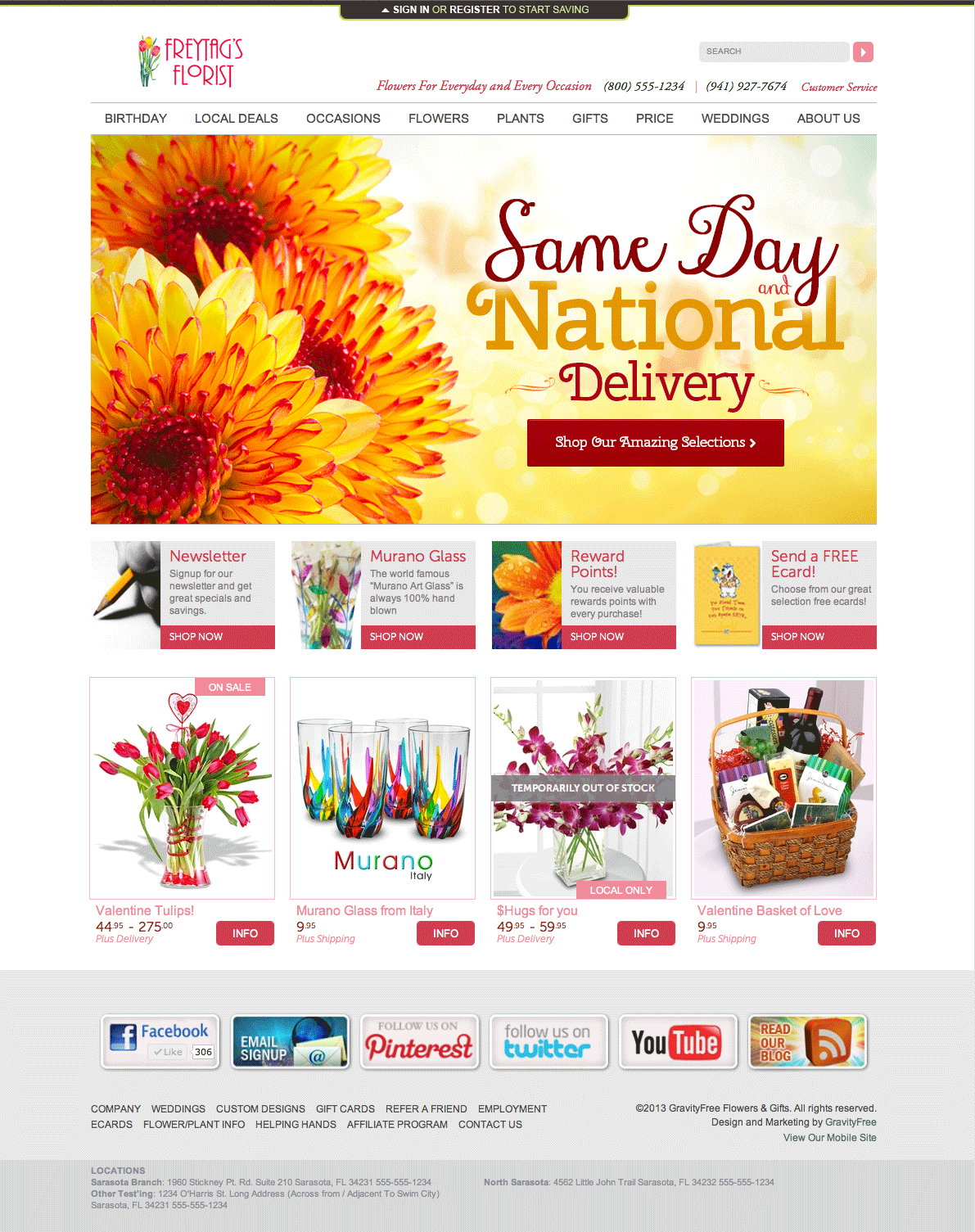
A “Product Detail” page…

Here are the “Theme Settings” under “Wide Store Settings“…

You can choose the new “minimalist” theme just like any other them, from the Theme drop-down.
“Extra Ornamentation” adds extra ornaments to the traditional themes in the areas outside the borders of the normal website area.
“Remove Fat Footer” removes the large section of links from the footer, but just for the homepage. All other pages will still have the Fat Footer even with this box checked.
“Locations in Footer” enables your addresses to show at the very bottom of your website. They are in a special format that helps Google with identifying your location and contact information.
“Use New Feature Areas” needs to be enabled to use both of the new Feature Areas… the Standard and Full Width Features.
If you check the “Full Width Feature Area” you’ll need to add some full width feature area slides. You just go make a slide through the “Featured Areas” and there is now a selection for “Width”. You can choose Standard (735×365) or Wide (960×475). Then just upload the appropriate sized file and configure the slide with optional info like SEO settings and start/end dates.

Click here to visit Part II and view the many different layout options. >>