Phone Numbers
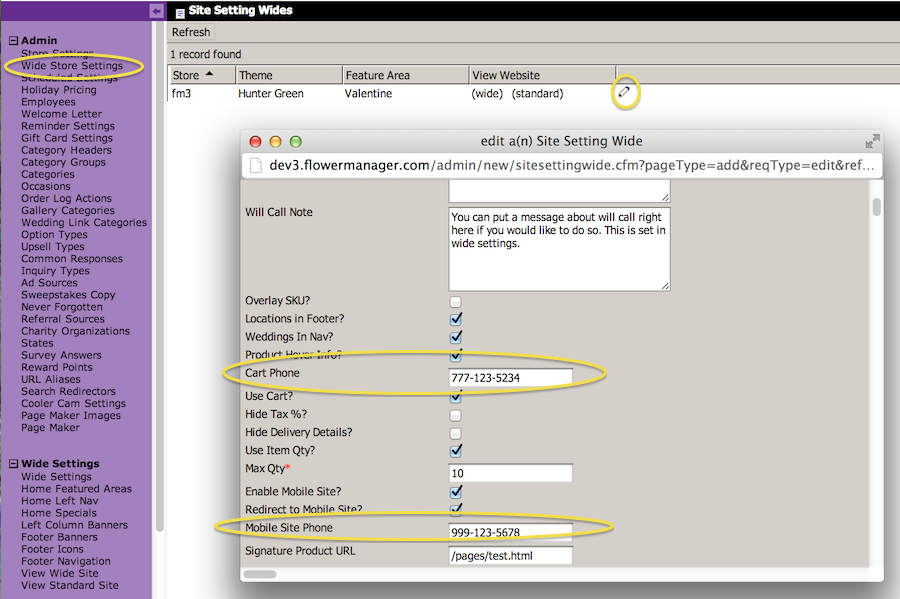
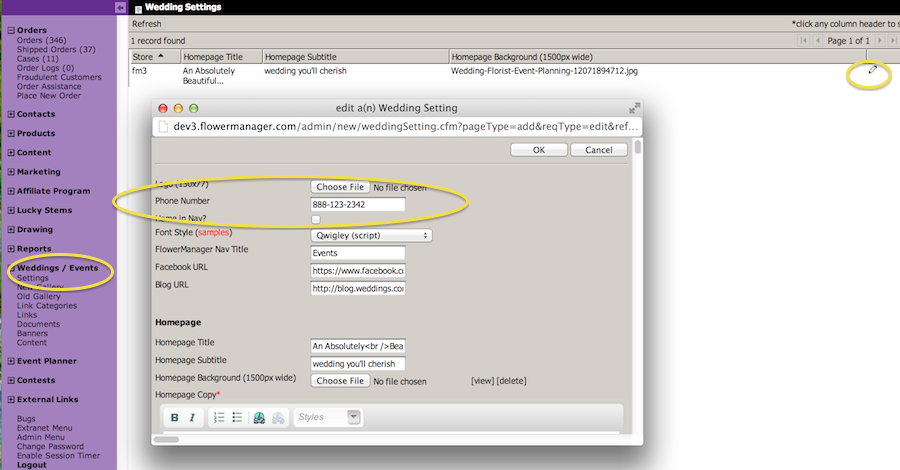
We’ve added a few extra phone number fields for the Cart, Event/Wedding Site and Mobile Site. If you enter a number for Mobile or Cart then it will use that number instead of your local or toll free numbers by default. If an affiliate or campaign is passed and they have a phone number they will still override these numbers in the same way it overrides your local / toll free number. However if a number is setup for the Wedding Site then that is the number that will appear there regardless of any affiliate or campaigns the user might have come from. You can set the Cart / Mobile phone numbers in Wide Store Settings and Event/Wedding site phone under Weddings – Settings.
Facebook Ecommerce Page
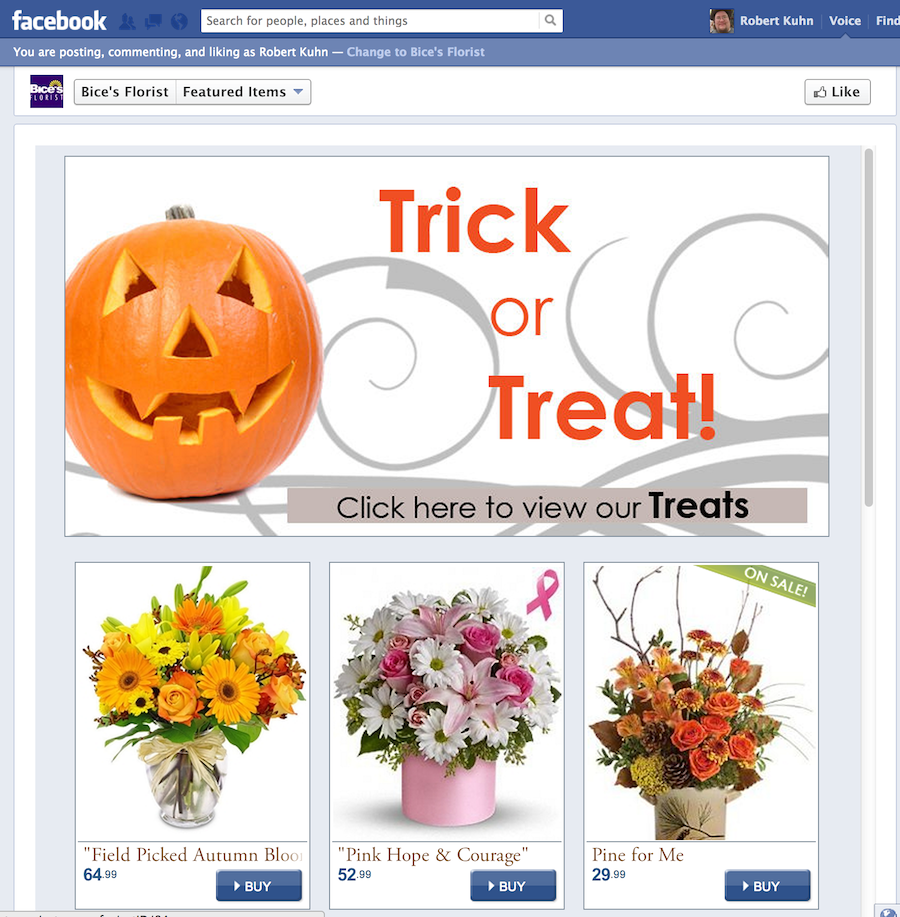
We’ve created a page that can be setup and included as a tab on your Facebook page. Without doing anything it will display the same Featured Areas and Featured Products that are on your homepage. These new settings are found under the Content section in the admin. The Facebook Features work like the Mobile Features, with dates to schedule them. The Facebook Items uses a new “Item Finder” that we’re working on, we’ll add a bit more functionality to it and start using it in places where you’re asked to pick an item.

Pink Theme
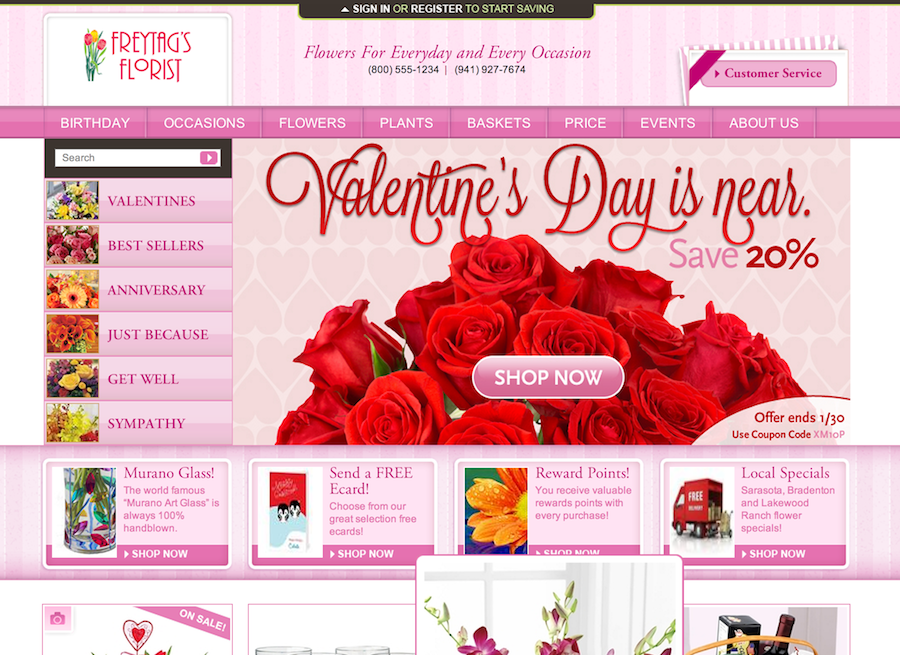
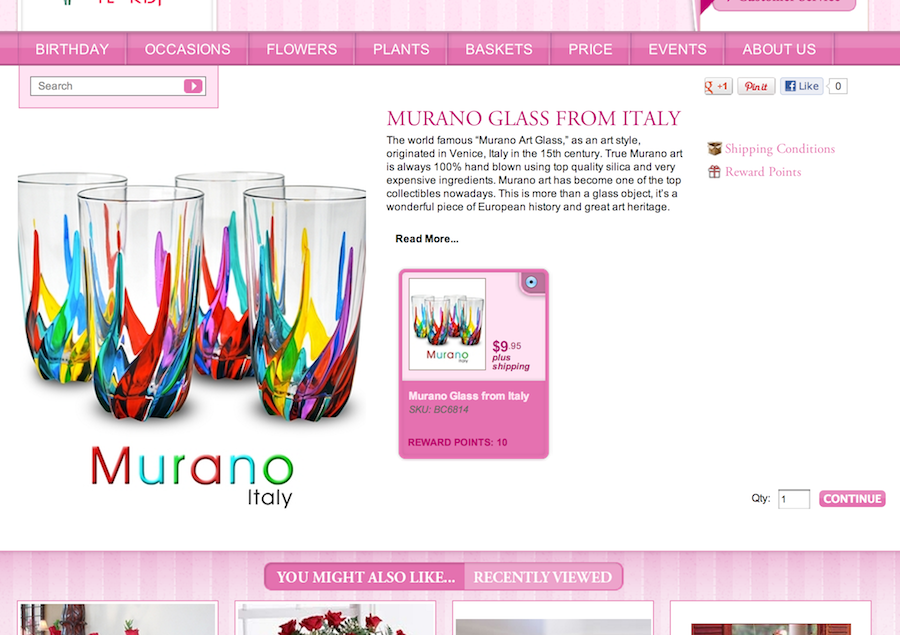
We’ve rolled out a new Pink theme, see the screenshots below.
After Hours Login
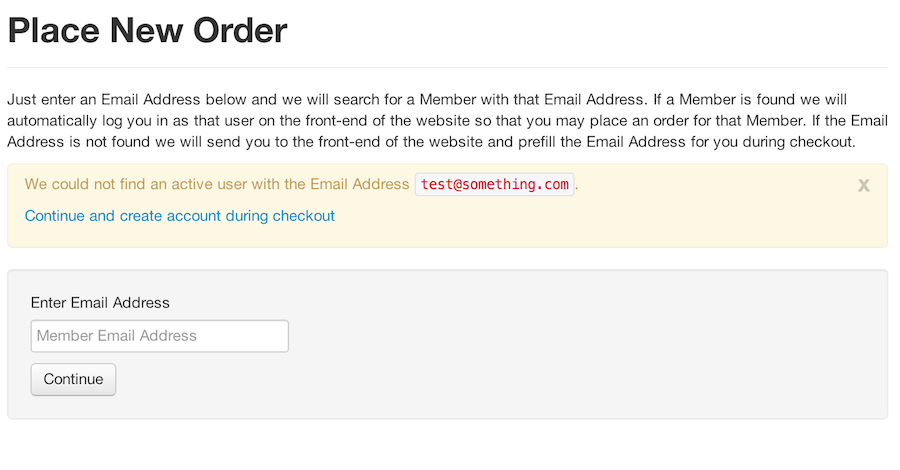
There’s a new security setting called After Hours Login. If you grant someone this security level it will override any other security they have and lock them into just using the “Place New Order” link. If you click the “Place New Order” link on the Orders section of the admin then it will open up a form for you to enter the user email address. When you hit Continue if a member is found with that email it will log the person in to the front-end of the site as that user so they may place an order using their Address Book and other features. If a member is not found with that email address it gives them a link to the front-end that will pre-fill the email address during checkout so they can create a new member for the person.
Charity Orgs
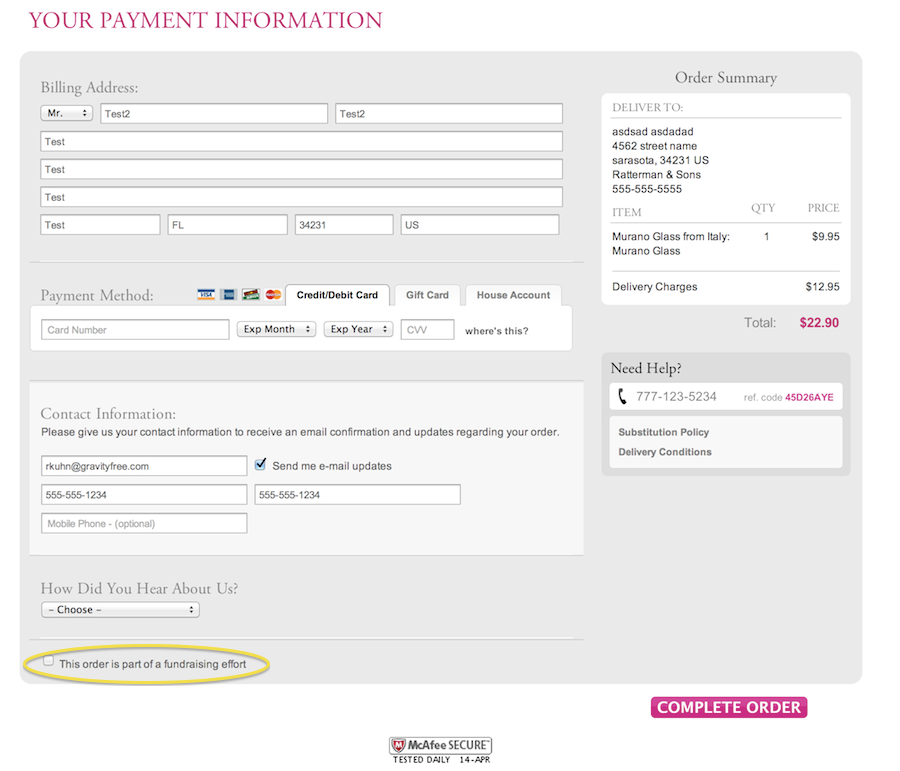
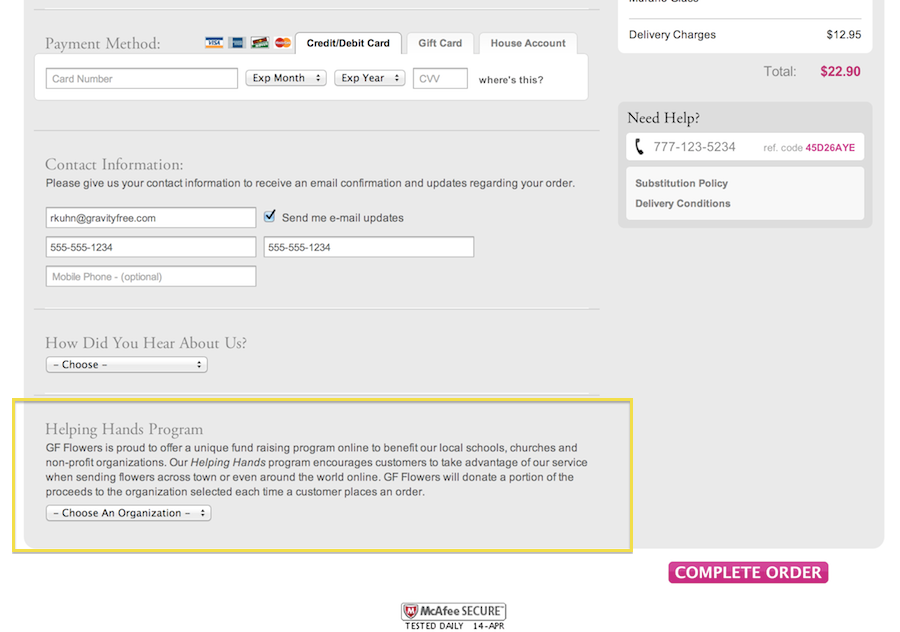
We altered the checkout billing page so that the Charity Organization is not as prominent. There is now just a checkbox to indicate the order is part of a fundraising effort. If the user checks that box it presents them with the same Charity Organization section that was there before.